If the "Explanation field" option was added to a closed question when creating the exam in the exam editor, students will be able to add a reasoning for their answer choice.
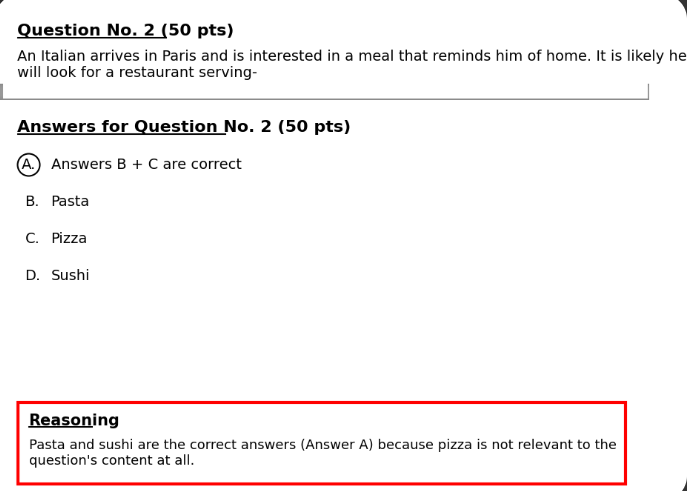
After the exam has ended and been transferred to TomaGrade for checking, the reasoning will look like this below the closed question in the student's exam:
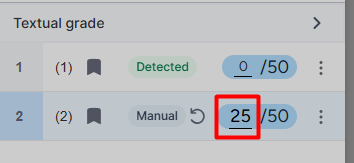
Additionally, if you wish to change the grade automatically given to the closed question, in the grade array within the student's exam, hover your mouse over the given grade and manually type the new grade. You can cancel the change by clicking the undo icon, and the grade will revert to the original grade.