
A new feature allows you to enable or disable spell check for each participant directly from the participants table.
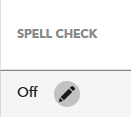
To enable spell check, go to Exam Monitor -> Participants tab -> Click on the pencil icon under the "Spell Check" column:
Then, click on "On" and save changes:
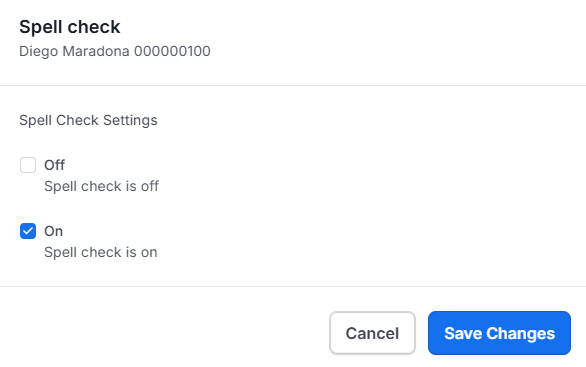
* To disable spell check, select "Off" in the spell check window.
Students can enable or disable spell check during the exam, as long as you have allowed it in the exam monitor.
Every time you change the spell check settings, the student will receive an automatic notification about it.
Click here to see how it looks on the student side.