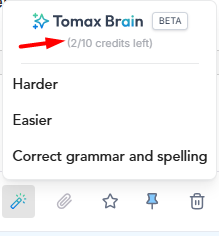
A new feature now allows you to make any closed or open-ended question easier/harder or to correct spelling and grammar in the exam editor.
To use this feature, create a new question of type closed question/open-ended question.
Then, click on the "Rewrite question with AI" icon:
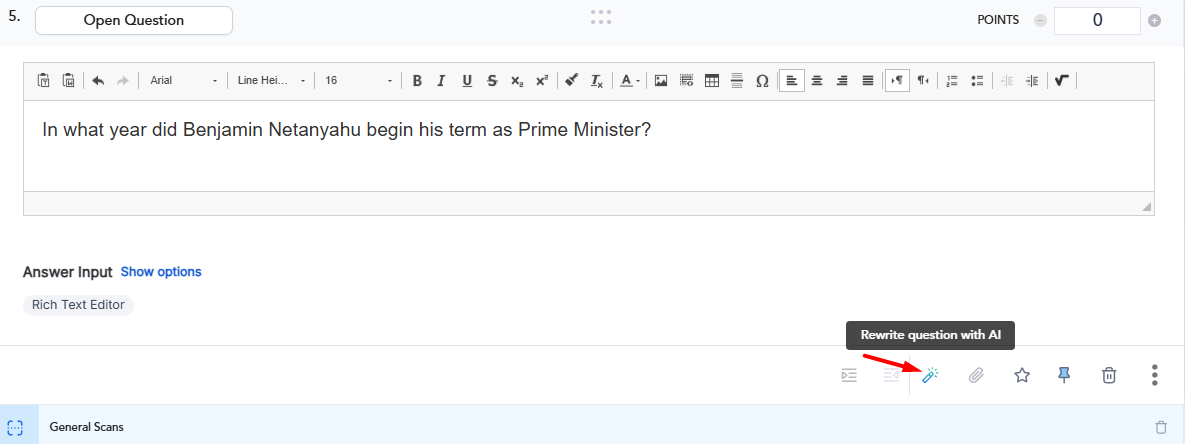
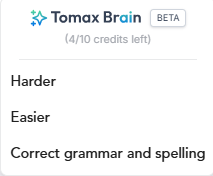
A small window will open displaying 3 options:
1. Make the question harder.
2. Make the question easier.
3. Correct spelling and grammar in the question text.
According to your selection (creating a harder/easier question/correcting spelling+grammar), within a few seconds the system will create a new question.
When the question creation is complete, you will receive the following window:

If you want to save the new version of the question, click "keep new".
Otherwise, you can click "Original" and the previous version of the question will appear again. When finished, click "keep Original":

In addition, next to the question type, the label "AI Question" will be added:

In the questions panel on the left, the AI icon will appear:

Important to know - Each user has 10 uses/credits for each exam. The number of credits remaining for the user can be seen after clicking the "Rewrite question with AI" icon: