
It is now possible to upload multiple exam terms (Moed) for the same exam at once, instead of upload each term separately. The new functionality is designed to save time and streamline the upload process, especially for exams with multiple terms (for example: Term A, Term B, Term C).
To be able to upload multiple exam terms in one upload process, you must ensure that the automatic rules settings are configured in your institution and that there are records with identical data for the course number, lecturer numerator, semester, and year for the records of all terms.
Here is an example:
When starting a upload process that meets the above conditions, the following message will appear:
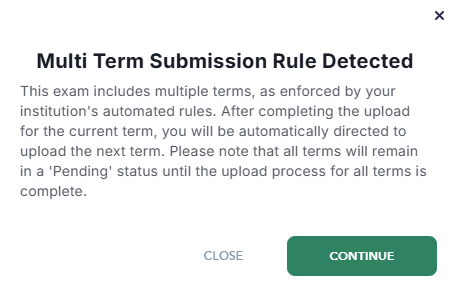
Click "Continue" and start the upload process for the first term.
In the final step of the upload(Preview), the following window will appear:
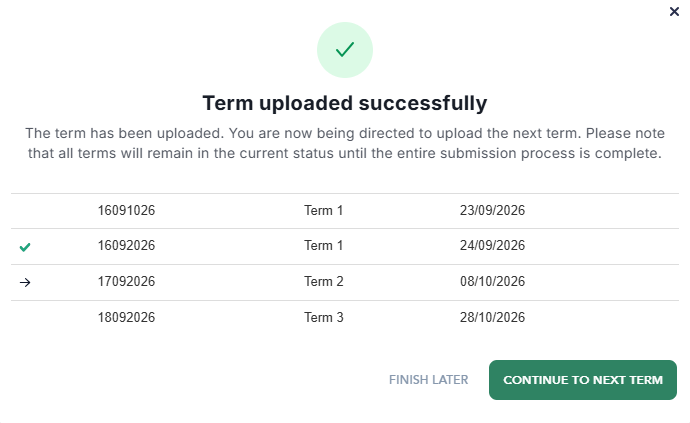
You can see that the first term has been uploaded, and now you can choose whether to continue upload the next term or finish and continue later.
By clicking Continue to next term, the upload process for the next term will begin, and upon its completion, you will again be able to choose how to proceed.
Once all terms have been uploaded, all records will move to the next stage of the process in the Tomasafe.